Your brand settings are the guidelines your team works from when it makes anything for you.
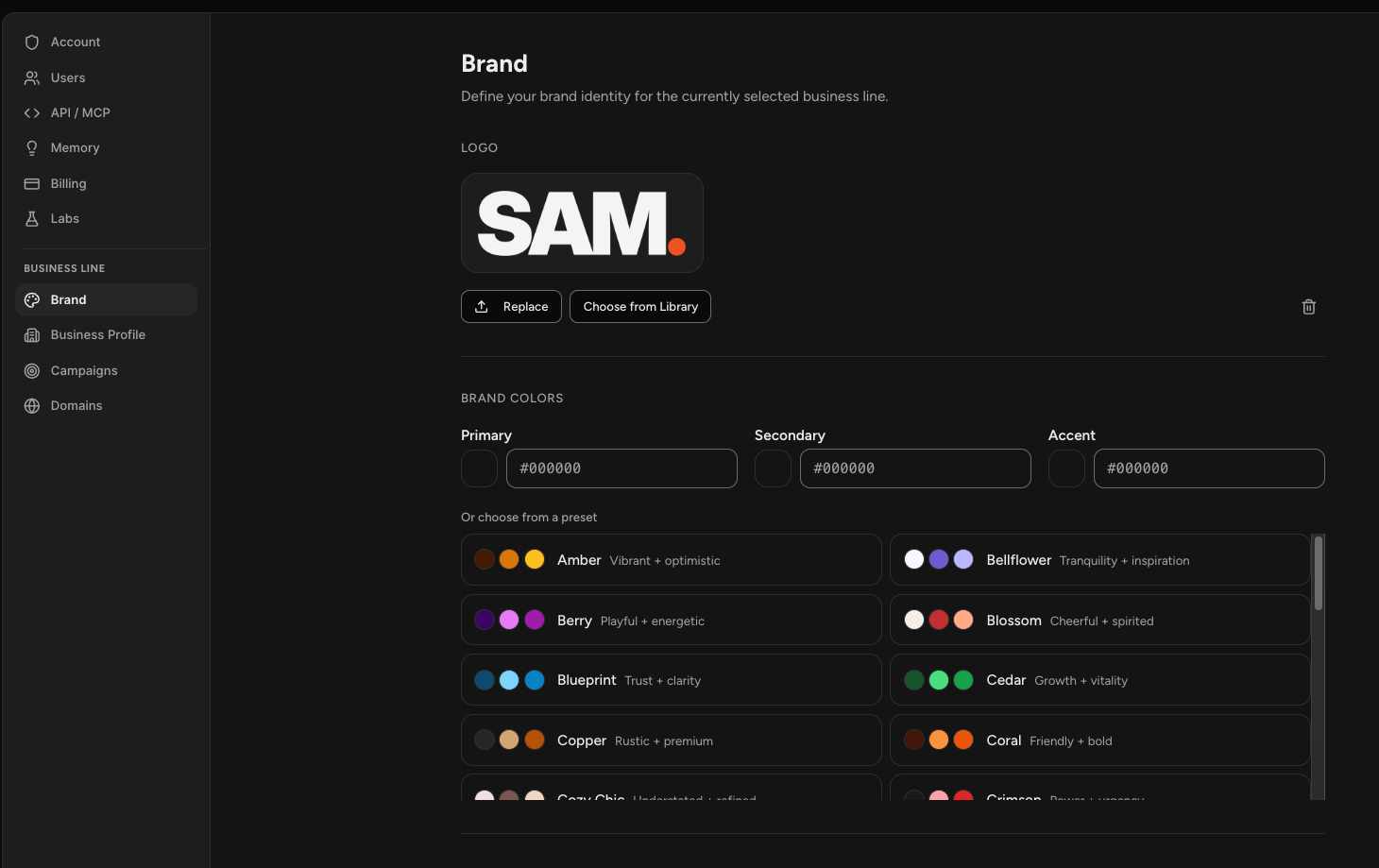
Select the profile icon in the bottom left corner, choose Settings, then Brand under Business Line.
These are not a template that gets stamped onto your work. They are what your specialists reference when deciding how something should look and sound, so the more accurate they are, the more your output looks like it came from you.
If you scanned your website during setup, a lot of this is already filled in.
Logo
Your logo sits at the top. Use Replace to upload a new one, or Choose from Library to pick something you already have in Sam.
Brand Colors
Three colors define your palette: Primary, Secondary, and Accent. Enter hex codes directly if you know them.
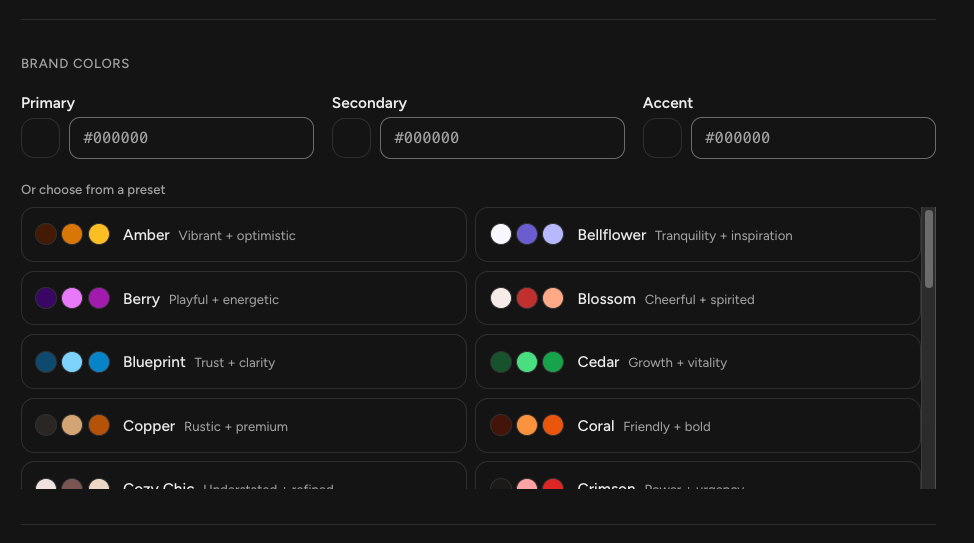
If you do not, choose from the presets below. Each one is a complete palette with a short description of the feeling it carries, such as trust and clarity or playful and energetic. Picking a preset sets all three colors at once.
Typography
Choose a Heading Font and a Body Font from the dropdowns.
If your brand uses a font that is not listed, select Upload font. Sam accepts .ttf, .otf, .woff, and .woff2 files, and once uploaded your font becomes selectable alongside the others and renders in your ad creatives.
Brand Voice
Voice is where you describe the personality and style of how your brand communicates. This is free text, so be specific. Something like "direct and confident, speaks to creators as equals, cuts through complexity with clear language" gives your team far more to work with than a single adjective.
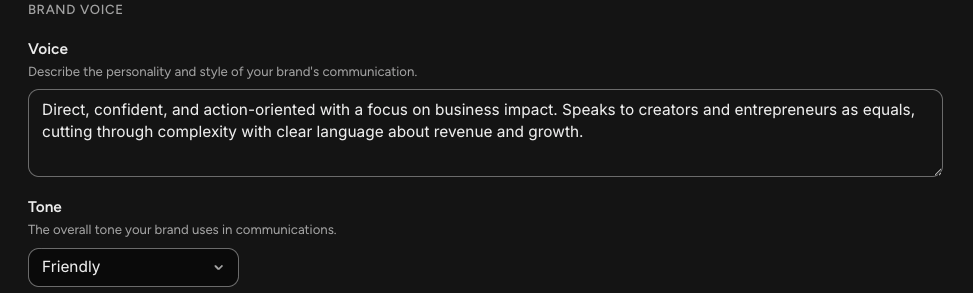
Tone sets the overall tone your brand uses, chosen from the dropdown.
Social Links
Add the social profiles that belong to your brand. Paste a URL into the field at the bottom and Sam works out which platform it belongs to.
Remove a link with the cross beside it.
Don't forget to select Save changes when you're done!
Frequently Asked Questions
Q: Do my brand settings get applied to everything automatically?
A: They are guidelines your specialists work from rather than a template stamped onto your work. Your team references them when deciding how something should look and sound.
Q: My brand settings are already filled in. Where did they come from?
A: Your website scan during setup. Sam pulls in your logo, colors, fonts, and a read on your tone. You can change any of it.
Q: Can I use my own font?
A: Yes. Select Upload font and add a .ttf, .otf, .woff, or .woff2 file. It then appears in the font dropdowns and renders in your ad creatives.
Q: I do not know my brand colors. What should I do?
A: Choose one of the presets. Each is a complete palette with a description of the feeling it carries, and picking one sets all three colors at once.
Q: What should I write in the Voice field?
A: Describe how your brand talks, in as much detail as you can. Who you are speaking to, how formal you are, what you sound like. A couple of specific sentences beats a single word.
Q: Do brand settings apply to all my businesses?
A: No. Brand belongs to the business line you have selected, so each business keeps its own logo, colors, fonts, and voice.