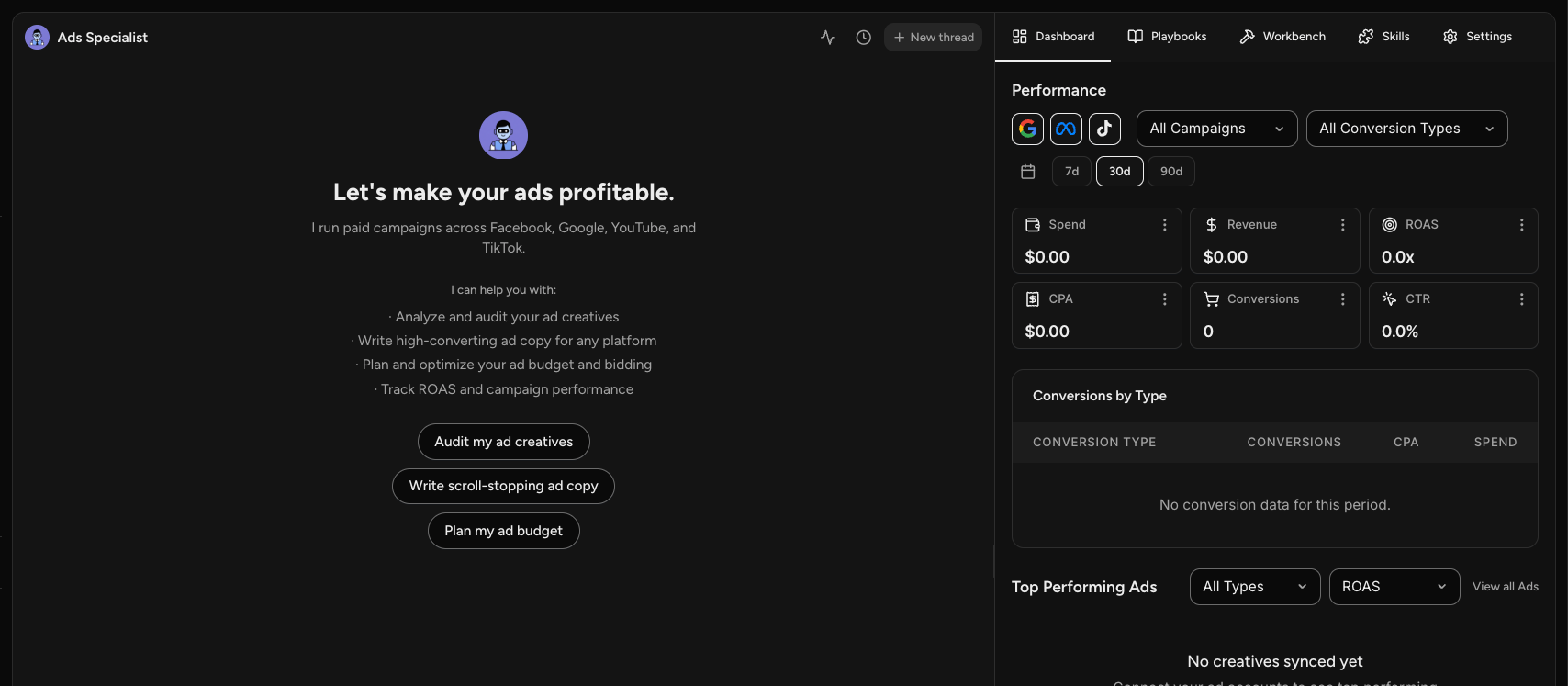
The Ads Specialist runs your paid campaigns across Facebook, Google, YouTube, and TikTok.
It is the specialist to go to for anything paid: writing the ads, planning the spend, and working out what is performing.
Open Ads Specialist under Your Marketing Team.
What It Does
- Analyzes and audits your ad creatives
- Writes high-converting ad copy for any platform
- Plans and optimizes your ad budget and bidding
- Tracks ROAS and campaign performance
Quick Starts
Audit my ad creatives, Write scroll-stopping ad copy, and Plan my ad budget are on the opening screen.
The Ads Dashboard
The Ads Specialist is the only one with a Dashboard tab, and it reports live performance from your connected ad accounts.
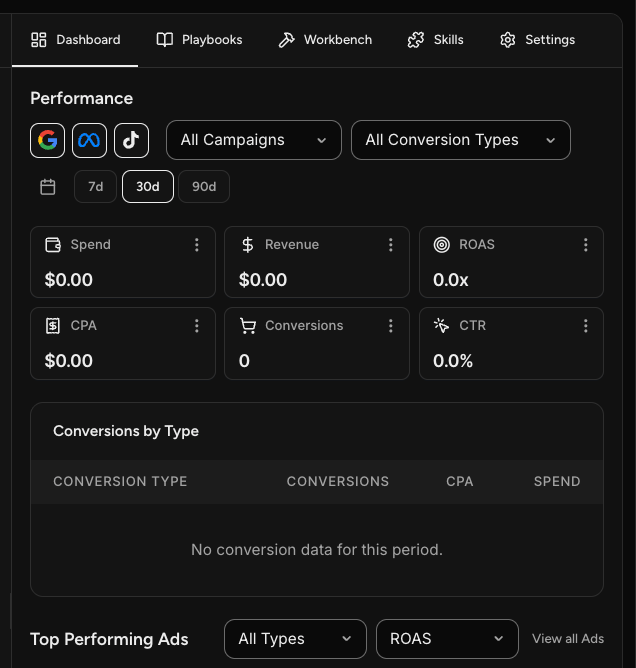
You get spend, revenue, ROAS, CPA, conversions, and CTR, filtered by platform, campaign, conversion type, and date range. Below that, conversions broken down by type and your top performing ads.
Optimization Recommendations sits at the bottom, suggesting specific changes worth making. Each one can be applied directly.
NOTE: The dashboard needs a connected ad account. Without one it stays empty and prompts you to connect.
Playbooks
The Ads Specialist has the largest playbook set of any specialist, grouped into optimization, image ads, and video ads. A few worth knowing:
- Ad Account Audit reviews your account like an auditor would and grades what it finds.
- Ads on Autopilot builds a complete ready-to-run campaign from what already works in your business.
- Image Ad Batch Generator and Video Ad Batch Generator produce multiple variations from one brief.
- Ad Variation Builder takes one winning ad and expands it into a full test matrix.
Open the Playbooks tab for the current set, and use the category filters to narrow it down.
What to Connect
Connect Meta Ads, Google Ads, or TikTok Ads so the specialist can see your real spend and results rather than working from description alone.
Frequently Asked Questions
Q: Why is my dashboard empty?
A: No ad account is connected yet. Connect Meta Ads, Google Ads, or TikTok Ads under Connect your tools.
Q: Does the Ads Specialist make the images and videos for my ads?
A: It writes the copy and scripts. When an ad needs a visual, that goes to the Designer Specialist, which handles all image and video creation.
Q: Will it launch ads for me?
A: It produces campaigns, copy, and recommendations for you to review. You stay in control of what goes live.
Q: Can it tell me what to fix?
A: Yes. Optimization Recommendations on the dashboard surfaces specific changes, and the Ad Account Audit playbook gives you a graded review.